
License Activation
Your license key unlocks automatic updates and support. The plugin itself keeps working without an active license, but you will not receive new versions.
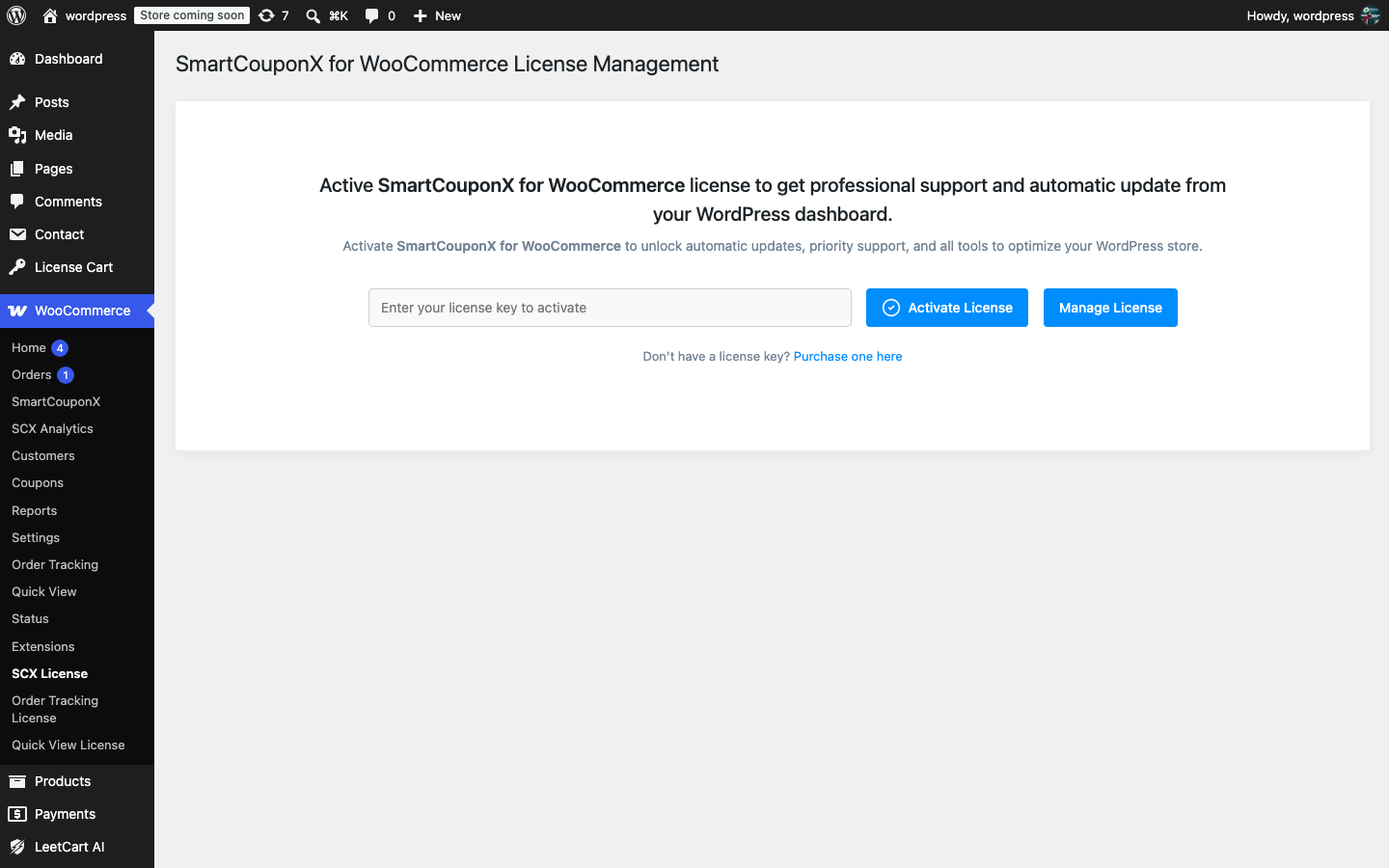
Activate your key#
- Find your key under Dashboard > License Keys on technoleet.dev.
- In WordPress go to Plugins and make sure SmartCouponX for WooCommerce is active.
- Open WooCommerce > SCX License. If WooCommerce is not active the page is under Settings > SCX License instead.
- Paste the key into the License Key field and click Activate License.
- The page now shows the status Active, the expiry date, the number of activations remaining and whether automatic updates are enabled.
Updates#
While the license is active, new versions appear under Dashboard > Updates and on the Plugins screen like any other plugin and are downloaded from technoleet.dev. The license is re-checked in the background once a day; if technoleet.dev cannot be reached the plugin keeps working for 14 days before the status changes.
Renewals#
Renew from your account on technoleet.dev before the expiry date shown on the license screen. After renewing, click Check License Status Now on the SCX License page so the new expiry date is picked up straight away.
Moving to another site#
One key can be activated on the number of sites included in your plan.
- On the old site open WooCommerce > SCX License and click Deactivate License.
- Install the plugin on the new site and activate the same key.
If you forgot to deactivate the old site and the activation limit is reached, the license screen lists your existing activations and offers Deactivate selected & activate here.
When the license expires#
- The plugin and all issued coupons keep working.
- Updates stop: new versions are no longer offered.
- Support tickets are not answered until the license is renewed.
The license check only transmits the license key, your site URL and the plugin version. No usage data is sent to Technoleet.