
Quick Start
From a fresh install to the first visible result#
- Make sure Review Next for WooCommerce 1.0.7+ is active and already shows the Reviews tab on your product pages.
- Upload and activate Review Next Pro (see Installation).
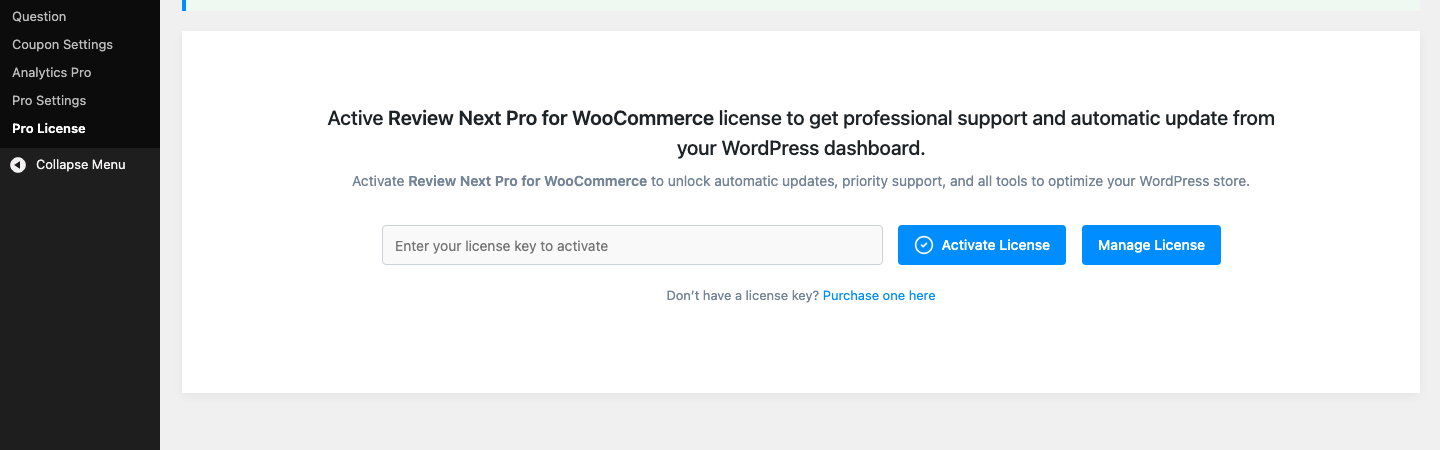
- Go to Review Dashboard > Pro License, paste the key from your technoleet.dev account and click Activate License.
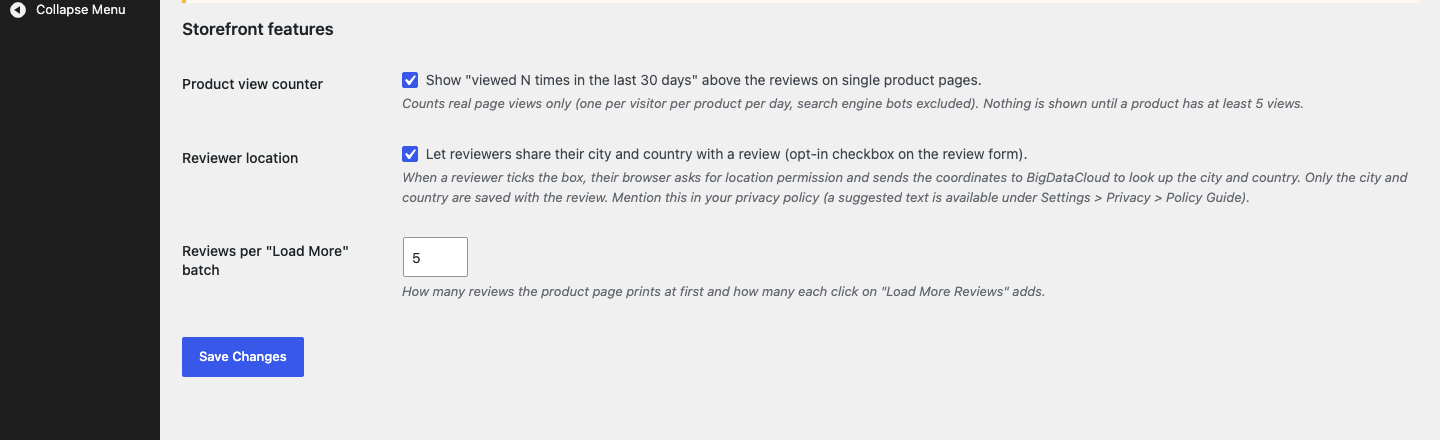
- Open Review Dashboard > Pro Settings. All three features are on by default: the product view counter, reviewer location, and 5 reviews per “Load More” batch. Click Save Changes if you change anything.
- Visit a product that has more than 5 approved reviews. The Reviews tab now shows only the first 5 reviews and a Load More Reviews button underneath. Click it to append the next batch.
- Scroll to the review form. A new Share my location (city & country) with this review checkbox sits above the submit button. Tick it in a test review, allow the browser’s location prompt, and the location shows next to your review after it is approved.
- Open the product page a few times from a different browser or device (logged out). Once a product has at least 5 counted views in the last 30 days, a Viewed N times in the last 30 days line appears above the reviews.
- Go to Review Dashboard > Analytics Pro to see the stat cards, the Reviews Overview chart, the Rating Distribution pie and the Product Review Heatmap.
Views by logged-in users who can edit products (shop managers and administrators) are never counted, so use a private window or another device when testing the view counter.
Was this article helpful?
Tell us what was missing