
Introduction
What Review Next Pro does#
Review Next Pro for WooCommerce is an add-on for the free Review Next for WooCommerce plugin. The free plugin collects photo and video reviews, product Q&A and review coupons. Pro adds the reporting and social-proof layer on top of it, without replacing anything you already set up.
Pro is sold and licensed through technoleet.dev. It is not available on WordPress.org.
Who it is for#
- Store owners who want to see how reviews are performing: totals, trends, which products get reviewed and when.
- Stores with many reviews per product, where printing every review on one page slows the product page down.
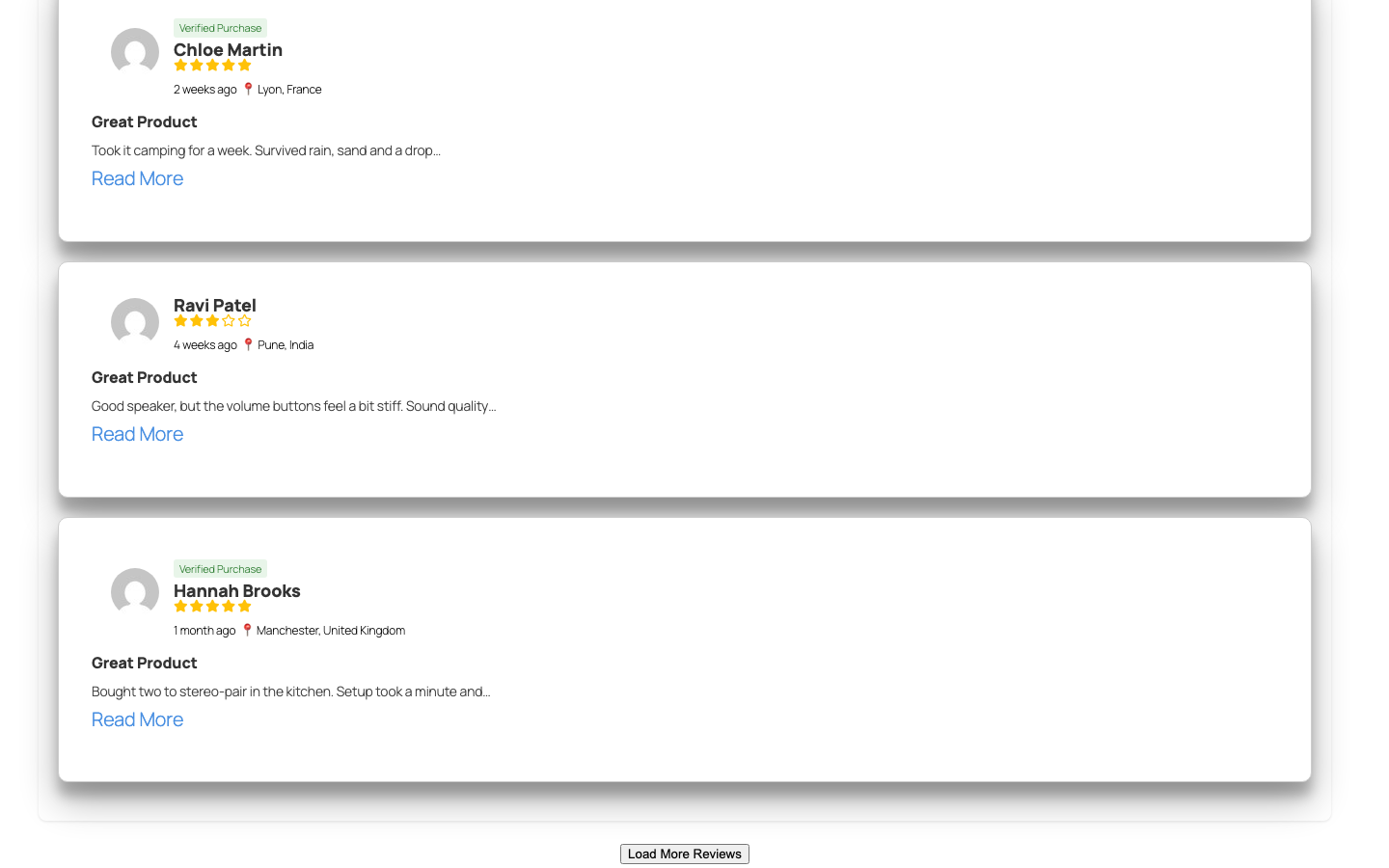
- Stores that want extra social proof on the product page: where reviewers are from and how many people looked at the product recently.
What Pro is best at#
- Analytics Pro dashboard – stat cards with month-over-month trends, a reviews/likes/dislikes/registrations line chart with a period selector, a rating-distribution pie chart and a searchable, paginated per-product monthly review heatmap. Works with both WooCommerce order storage modes (HPOS and posts).
- Reviewer location – an opt-in checkbox on the review form lets customers share their city and country, shown on every review card.
- Product view counter – “Viewed N times in the last 30 days” above the reviews, based on real, de-duplicated page views only.
- “Load More Reviews” – the product page prints only the first batch of reviews and loads the rest with AJAX, in the sort order the visitor chose.
Next steps#
- Check the Requirements and make sure the free plugin is up to date.
- Follow the Installation steps to upload the Pro zip.
- Activate your license under Review Dashboard > Pro License.
- Walk through the Quick Start to see each Pro feature on your store.
Was this article helpful?
Tell us what was missing