
What shoppers can do
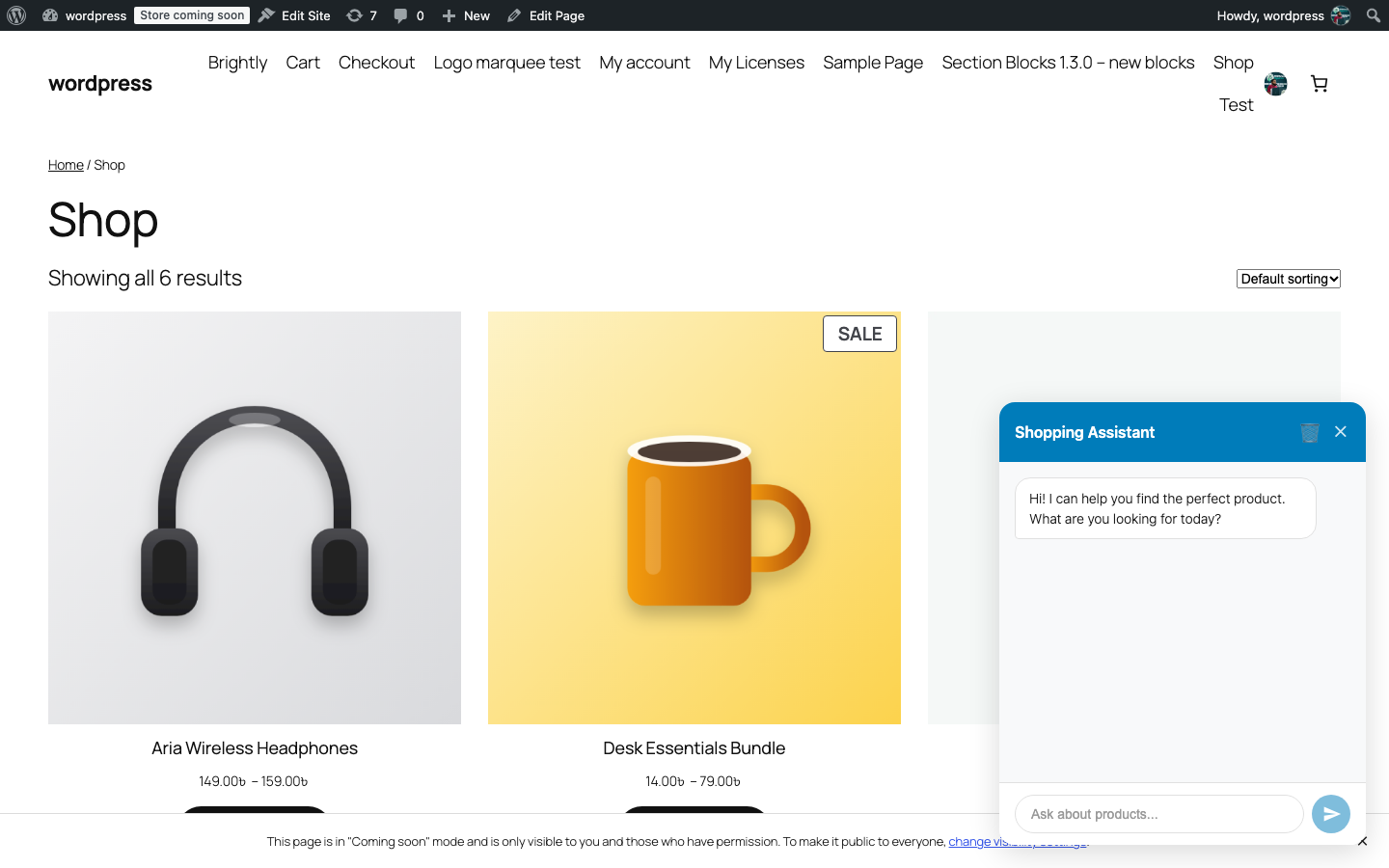
The widget is a floating chat button in the bottom corner of every storefront page. Shoppers do not need an account.
Search for products in plain language#
A shopper types what they want, for example “red hoodie under 40” or “blue shirt in large”. The assistant turns that into a product search using up to five filters: keyword, minimum and maximum price, category, colour and size. Matching products (up to eight, published and not in an excluded category) appear as cards in the conversation with:
- the product image, linked to the product page;
- the name and price, with a Sale badge for discounted products and an Out of Stock badge where relevant;
- the star rating;
- an Add to Cart button, Select options for variable products, or View product for everything else.
If nothing matches, the assistant says so and invites a different search.
Ask questions about the store#
Questions like “do you ship to Canada?” or “how do returns work?” are answered from the text you entered under AI Persona → Store Policies & Information. If the answer is not there, the assistant says it cannot help with that and suggests contacting support.
Add products to the cart#
Clicking Add to Cart puts the product into the normal WooCommerce cart without leaving the page, and a short notice confirms it. Only simple, purchasable, in-stock products can be added from the chat; products with options (sizes, colours) open the product page instead so the shopper can choose.
Reach a person#
If a message contains words such as “human”, “support”, “agent”, “real person”, “not working”, “frustrated” or “speak to someone”, the assistant does not call the AI at all. It shows your Fallback Message and, when a Support/Contact URL is set, a Contact Support button next to Continue chatting.
Clear their own conversation#
The bin icon in the widget header clears the conversation after a confirmation. This deletes those messages from your site’s chat log as well, not just from the screen. The conversation also ends when the browser tab is closed; the assistant remembers the last few messages only within one open tab.
Limits shoppers may notice#
- Each message is limited to 1,000 characters.
- More than the allowed number of messages per minute (10 by default) returns a “please wait” reply.
- Replies are plain text with product cards; the assistant does not show images or links other than product cards and the contact button.