
Activating your license
Your license key unlocks the Pro features, updates and support for the number of sites in your plan. Without a valid license, Pro stays installed but does nothing.
Where to find your key#
The key is shown right after checkout and is always available under License keys in your account at technoleet.dev.
Activate the key#
- In WordPress go to Settings → Section Blocks Pro.
- Paste the key into the license field.
- Click Activate License.
- The screen confirms License activated successfully and shows the status, the number of sites used out of your plan and the expiry date.
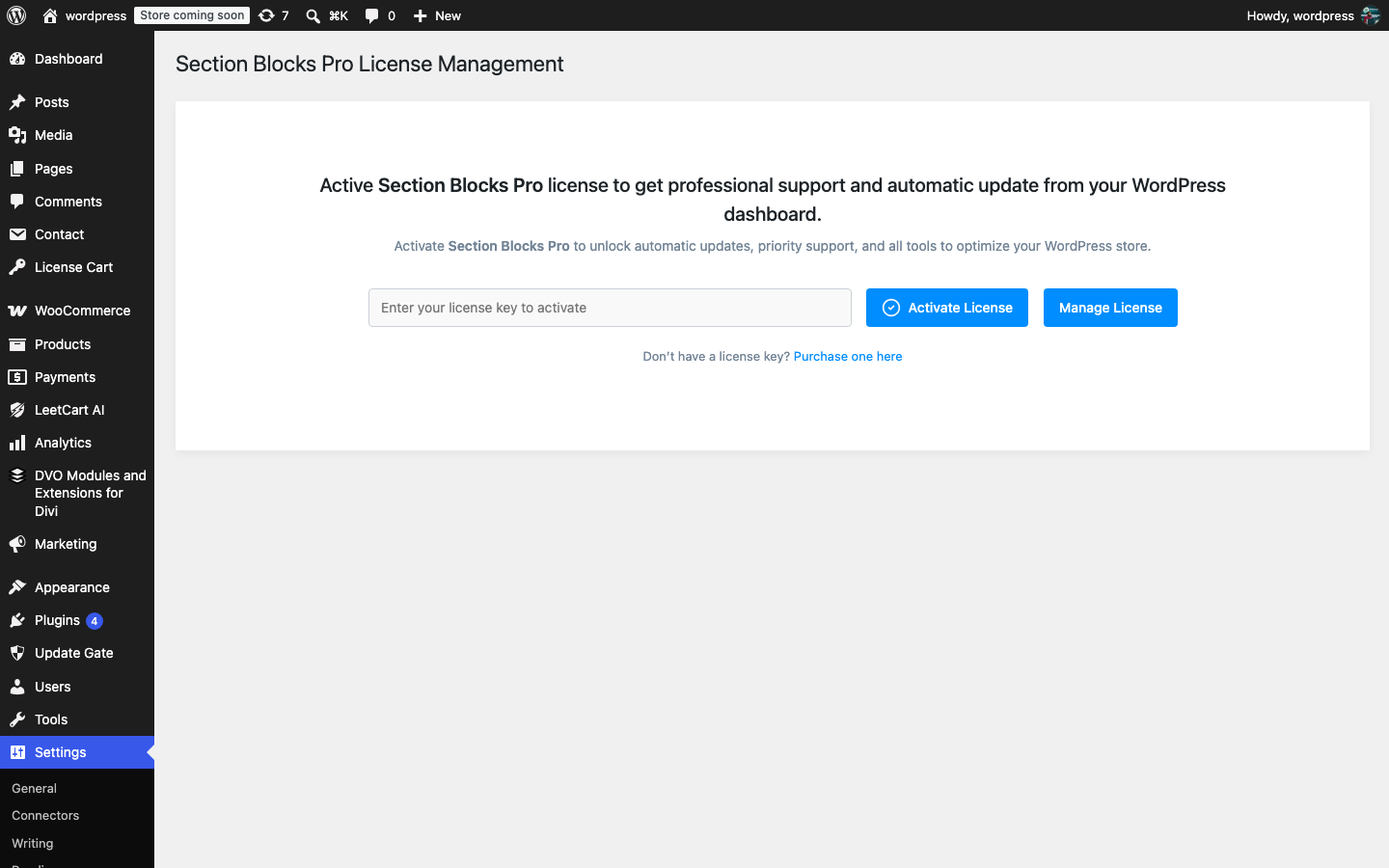
What happens next:
- The Conditional Display panel is loaded in the block editor on the next page load.
- The key is re-checked against technoleet.dev once a day in the background. Your site never contacts the store during a normal page view.
- Pro updates are offered on Dashboard → Updates while the license is valid.
The license screen#
| Element | What it shows or does |
|---|---|
| License key field | Where you paste the key. Only administrators (manage_options) can see this screen. |
| Activate License | Registers this site against your key at technoleet.dev. |
| Deactivate License | Releases this site from the key so you can use the activation elsewhere. Pro features switch off on this site. |
| Status | Active or Inactive, plus any error from the last check. |
| Activations | Sites used out of the sites in your plan (or Unlimited). |
| Expires | When the current license term ends. |
| Manage License | Link to your account at technoleet.dev to renew, upgrade or view keys. |
Offline grace period#
If technoleet.dev cannot be reached during the daily check (for example your host blocks outbound requests for a while), a license that was valid at the last successful check keeps working for 14 days. After that the Pro features are switched off until the next successful check. Fix the connection and open Settings → Section Blocks Pro to re-check straight away.
Local and staging sites#
The key can be activated on local and staging sites as well as production. Each activation counts toward the number of sites in your plan, so deactivate the key on a site before you retire it.
What is sent to technoleet.dev: your license key, the site URL, the plugin version and basic environment details (WordPress and PHP versions), only when you activate, deactivate or re-check the license and when WordPress checks for updates. No usage statistics are collected and no promotional content is loaded. See the privacy policy.