
Activating Your License Cart License
Where to enter the key#
Your License Cart key unlocks automatic updates for License Cart itself. It has nothing to do with the keys you sell to your own customers.
- Go to Plugins and make sure License Cart is activated.
- Open License Cart → License in the wp-admin menu.
- Paste the key you copied from your technoleet.dev dashboard and click Activate License.
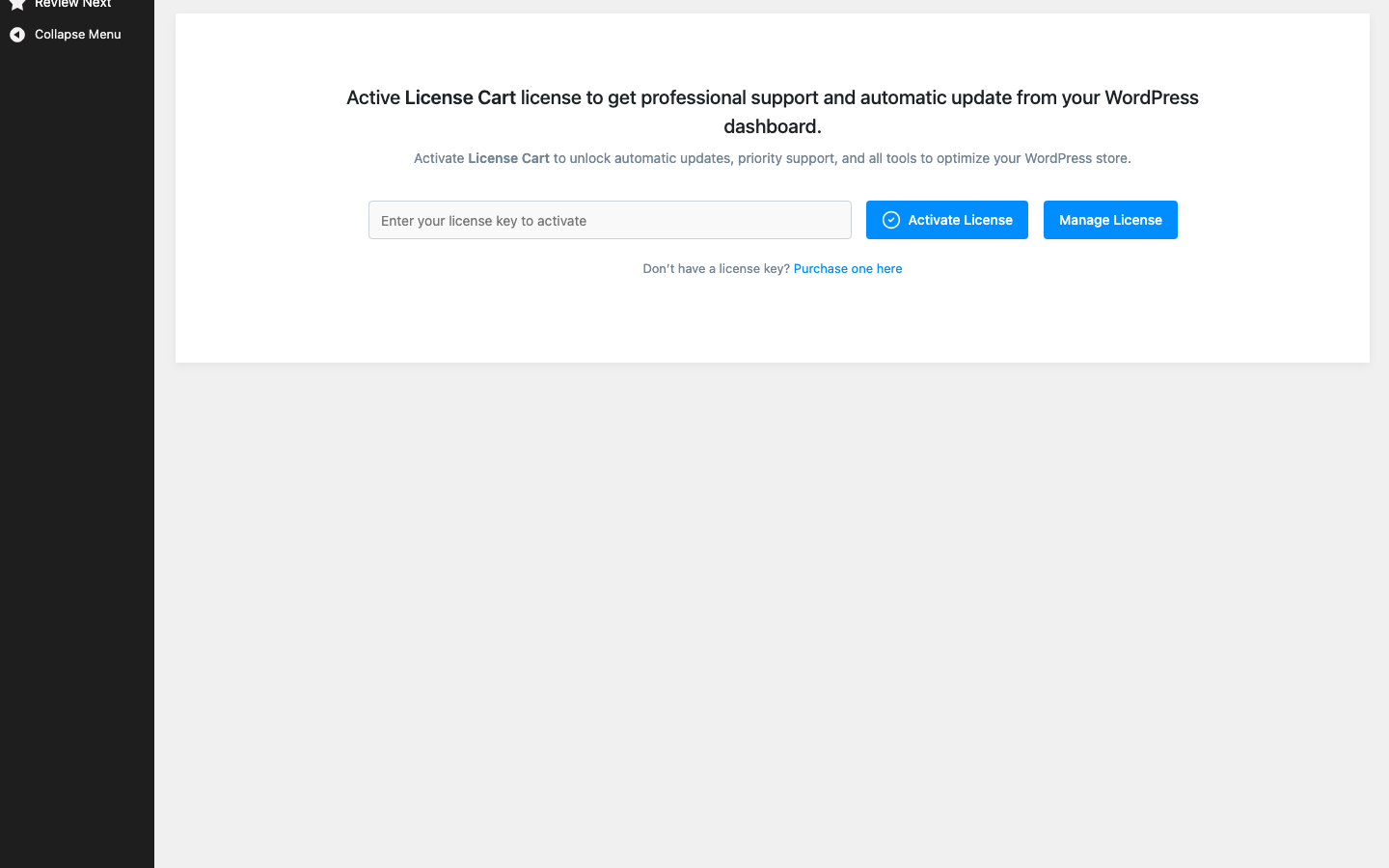
One key activates the number of sites included in your plan. You can deactivate a site from the same screen or from Dashboard → License Keys on technoleet.dev, then use the key on another site.
Background checks#
After activation the plugin re-checks the license once a day in the background. It never calls technoleet.dev during a normal page load. If technoleet.dev is temporarily unreachable, the last verified status is honoured for a 14-day offline grace period.
What happens when the license expires#
License Cart keeps working. Your products, keys, webhooks, portal and API continue to run exactly as before. What stops is:
- automatic updates of License Cart from technoleet.dev, and
- support through your technoleet.dev account.
A notice on the License Cart screens reminds you to renew when the key is about to expire or has expired. Renew from your technoleet.dev dashboard to restore updates and support.
Local and staging sites (localhost, 127.0.0.1, .test domains) can activate a key for QA. Deactivate the key there when you are done so the slot is free for production.