
Activating your license
Leet Order Tracking is licensed through the technoleet.dev store. A license key unlocks plugin updates and support for the number of sites in your plan.
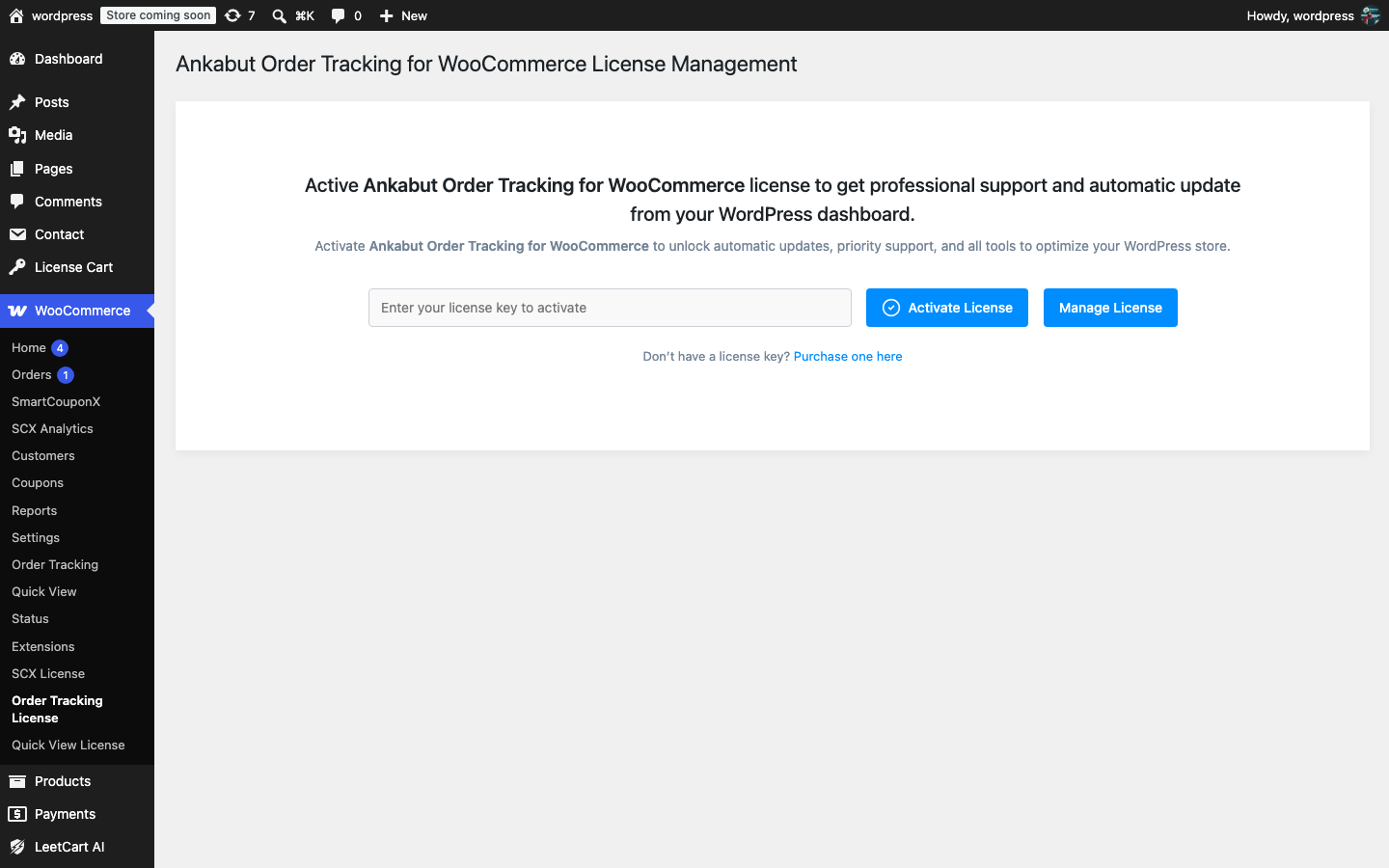
Activate the key#
- Make sure the plugin is activated under Plugins → Installed Plugins.
- Go to WooCommerce → Order Tracking License.
- Paste the license key from your technoleet.dev account (shown after checkout and under License keys in the dashboard).
- Click Activate.
Once active, the screen shows the license Status, when it was Last Checked, the Expires date, the number of Activations remaining in your plan, and whether Automatic Update is enabled. Use the Manage License link to open your account on technoleet.dev.
How the check works#
- The plugin re-checks the license once a day in the background. It never contacts the license server during a normal page load, so it does not slow your site down.
- If technoleet.dev cannot be reached (an outage, a firewall rule), the last known good license stays active for a 14-day grace period before anything changes.
- While the license is active, plugin updates are offered by WordPress exactly like any other plugin update, under Dashboard → Updates and on the Plugins screen, and are downloaded from technoleet.dev.
Where you can activate#
A license can be activated on local, staging and production sites alike. Each activation counts towards the site limit of your plan. The plugin does not exclude .test or localhost sites from counting.
Before you retire a staging or development site, deactivate the key under WooCommerce → Order Tracking License so the activation is freed up for another site.